Buying a Used iPhone? Here’s Exactly What to Check First
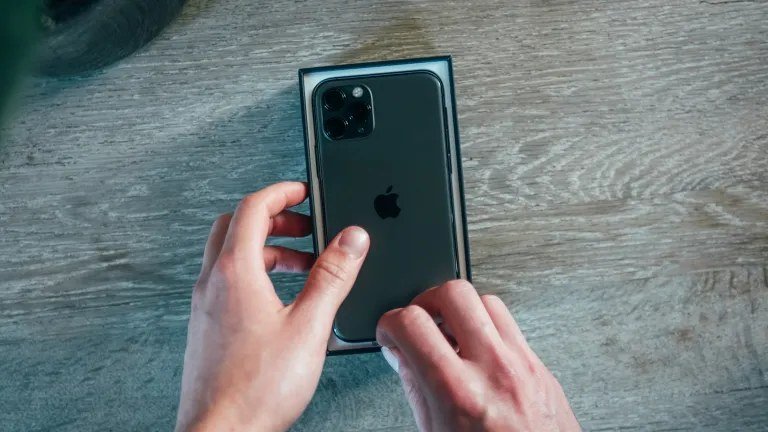
A used iPhone can save you $300–$500 over new — or it can be an expensive brick. Knowing what to look for when buying a used iPhone is the difference between a steal and a scam, and most of the checks take about ten minutes.
I’ve bought and sold enough used iPhones to know where the bodies are buried. Run through this checklist before money changes hands, whether you’re buying from a friend, Swappa, or some guy in a parking lot.
The short answer: check battery health (85%+ ideal), verify Activation Lock is off and the phone is erased, confirm the IMEI is clean (not stolen or carrier-locked), test the screen, touch, Face ID and cameras, and buy from reputable sources like Apple’s refurbished store, Swappa, or Best Buy open-box.
The Deal-Breakers: Check These First
Activation Lock is the big one. Ask the seller to erase the phone in front of you (Settings > General > Transfer or Reset > Erase All Content) and confirm it reaches the ‘Hello’ setup screen with no Apple ID attached. If they can’t or won’t — if it’s ‘my cousin’s phone’ or they ‘forgot the password’ — walk away. A locked iPhone is a paperweight you paid for.
Next, check the IMEI. Dial *#06# to display it, then run it through a free IMEI checker to confirm it’s not reported stolen, not blacklisted, and not still under carrier financing. A phone with unpaid carrier installments can be blacklisted months after you buy it. Also confirm it’s unlocked or locked to your carrier — a carrier-locked phone won’t take another carrier’s SIM.
- Activation Lock off, phone fully erased to Hello screen
- IMEI clean: not stolen, not blacklisted, no unpaid financing
- Carrier unlocked (or locked to YOUR carrier)
- Find My iPhone disabled by the seller before erasing
- Original parts: check Settings > General > About > Parts and Service History
Battery Health and Physical Inspection
Go to Settings > Battery > Battery Health & Charging. Maximum capacity of 85% or higher is what you want; under 80%, budget $70–$90 for a battery replacement soon. Also check the cycle count if the model shows it — fewer is better. A phone at 100% health with an unknown history might have a fresh third-party battery, which isn’t necessarily bad, but factor it into the price.
Physically, inspect in good light: check for screen discoloration, dead pixels, and touch responsiveness across the whole display (drag an app icon around the edges — dead zones reveal themselves). Test every button, both cameras, the flash, speakers, microphones (record a voice memo), charging port, and Face ID or Touch ID. Water damage indicators inside the SIM tray turn pink on contact — peek if you can.
What Should You Pay?
Check Swappa’s sold listings for your exact model, storage, and condition — that’s the real market price, updated daily. As a rough guide in 2026: iPhone 13 models run $300–$400, iPhone 14 around $400–$500, iPhone 15 around $550–$700, depending on storage and condition. If a deal is 30%+ below market, it’s either stolen, locked, or broken — there are no secret discounts on iPhones.
Where you buy matters as much as what you pay. Apple’s certified refurbished store is the gold standard (new battery, new outer shell, full warranty) but costs more. Swappa is the best marketplace — strict listing rules and buyer protection. Best Buy open-box is great for recent models. Facebook Marketplace and Craigslist can work for local deals, but meet in a public place, bring a friend, and run every check before paying. Never wire money or pay with gift cards. Ever.
After You Buy: First-Day Setup
Update to the latest iOS immediately — used phones often sit on old software with known security holes. Then set up two-factor authentication on your Apple ID before you do anything else. If the battery health is marginal, get it replaced sooner rather than later; a fresh battery transforms an older iPhone.
Consider AppleCare+ if the phone is still eligible (check coverage on Apple’s website within 60 days of original purchase). And back up your new-to-you phone on day one. You just bought someone else’s history — make sure your data is protected from the start, because used phones have unknown pasts by definition.
What Should I Look for When Buying a Used iPhone? Spotting Refurbished vs Repaired
Not all used iPhones are equal, and the distinction that matters is who did the work. Manufacturer-refurbished (Apple Certified Refurbished) means new battery, new outer shell, full testing, and a one-year Apple warranty — it’s essentially a new phone at a used price, typically 15–20% off retail. Seller-refurbished (Amazon Renewed, Best Buy open-box, Swappa listings) varies: check the specific seller’s warranty (90 days minimum) and return policy.
Then there’s third-party repaired — a used phone with a replaced screen or battery from an independent shop. This isn’t automatically bad, but check Settings > General > About > Parts and Service History, which shows whether parts are genuine Apple. A phone with ‘Unknown Part’ warnings may have Touch ID/Face ID or True Tone issues, and it’s worth less — price it accordingly. Ask the seller directly what was replaced and by whom; honest sellers answer, evasive ones don’t.
Whatever the category, the checklist from this guide still applies: Activation Lock off, IMEI clean, battery health verified, everything tested in person. The category just tells you what price is fair and what warranty to expect.
Related reading: how much it costs to replace an iPhone screen at a repair shop in the US · how to set up two-factor authentication on your accounts
The Bottom Line
Verify Activation Lock is off, the IMEI is clean, and the phone is erased before you pay. Check battery health (85%+), test every feature in person, and price against Swappa’s sold listings. Buy refurbished from Apple or Swappa for safety; go local only with full checks done in person. A careful ten minutes saves a $500 mistake.
Sources: Apple refurbished iPhone store · Swappa used phone marketplace