Best External Hard Drives for Backing Up Family Photos in 2026
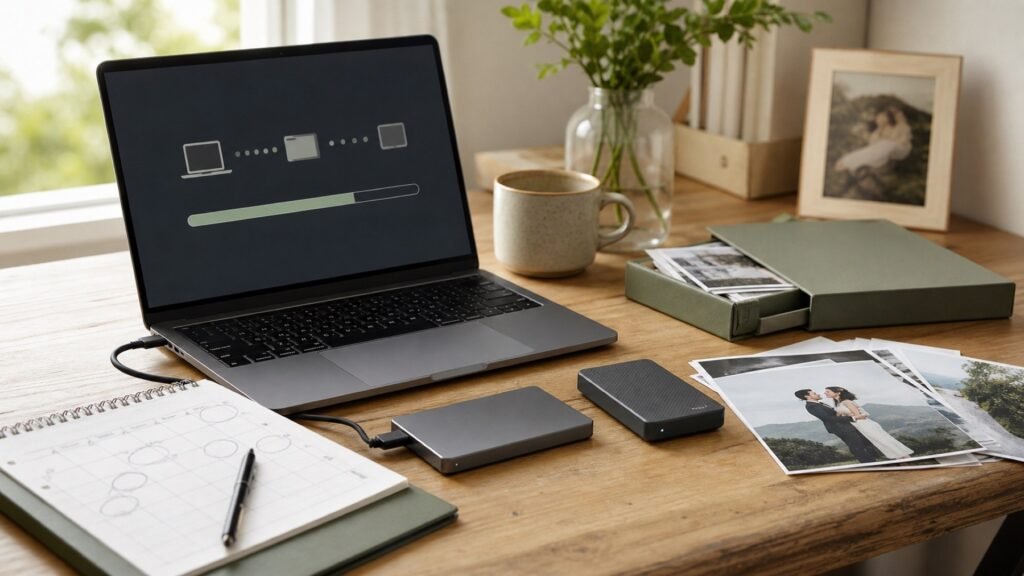
Family photos are the one thing you truly can’t replace. Cloud backup is great, but a local copy on an external drive is your safety net against hacked accounts, subscription lapses, and internet outages. The best external hard drive for backing up family photos isn’t the fastest or fanciest — it’s the reliable one you’ll actually plug in.
Here’s what to buy, what size you need, and the simple system that keeps decades of memories safe.
The short answer: for most families, a 2TB portable HDD like the WD Elements or Seagate Backup Plus (~$70–$80) is the sweet spot — cheap, reliable, plenty of room. If you want speed and durability, a 1TB portable SSD like the Samsung T7 Shield (~$100–$120) is excellent. Buy two drives or pair one drive with cloud backup.
HDD vs SSD for Photo Backups
Traditional hard drives (HDDs) win on cost per gigabyte: 2TB for $70–$80, 4TB around $100–$110. For photo backups — where you write files occasionally and read them rarely — HDD speed is perfectly fine, and the capacity lets you keep years of RAW files and videos without thinking. The WD Elements Portable and Seagate Backup Plus are the long-standing reliable picks; both are simple USB-powered drives with no software bloat to fight.
SSDs (like the Samsung T7 Shield or SanDisk Extreme Portable, 1TB for $100–$120) are faster, smaller, silent, and survive drops that would kill an HDD. If the drive will travel — backing up on vacation, shuttling between houses — SSD durability is worth the premium. But for a drive that sits on a desk and gets plugged in monthly, an HDD’s extra terabytes per dollar win. Either way, stick to name brands; no-name drives have measurably higher failure rates, and this is your memories we’re talking about.
What Size Should You Buy?
Add up your current photo library, then triple it — that’s your minimum. Most families land at 2TB comfortably: it holds roughly 400,000 smartphone photos or about 60 hours of 4K video, with room to grow for years. If you shoot RAW or lots of video, go 4TB; the price jump is small ($30–$40) and you’ll never think about space again.
Bigger isn’t always better, though — a single 8TB drive holding everything is a single point of failure. Two 2TB drives (one primary, one kept elsewhere) beat one 4TB drive for safety. Remember the 3-2-1 rule: three copies of important data, on two different media types, one offsite. Your phone + cloud + external drive already satisfies it beautifully.
- Most families: 2TB portable HDD ($70–$80) — WD Elements or Seagate Backup Plus
- Travel/durability: 1TB portable SSD ($100–$120) — Samsung T7 Shield
- Heavy RAW/video shooters: 4TB HDD (~$110)
- Best safety: two smaller drives or one drive + cloud, not one giant drive
- Stick to WD, Seagate, Samsung, SanDisk — skip no-name brands
The Backup System That Actually Works
The best drive in the world is useless unplugged in a drawer. Set a monthly reminder — first Sunday, whatever — to plug in the drive and copy new photos over. Better: use backup software to automate it. Windows File History and Mac Time Machine both work with external drives and run automatically when the drive is connected. Leave the drive plugged into a desktop and it just happens.
Organize as you go: folders by year and month (2026-10) or by event. Future-you, hunting for a specific birthday photo in 2035, will be grateful. And keep one copy offsite — a second drive at a relative’s house, or cloud backup. Fire, flood, and theft don’t care about your organizational system; geography is the ultimate backup feature.
What About Just Using the Cloud Instead?
Cloud backup (iCloud, Google Photos) is excellent and I’d never suggest skipping it — automatic, offsite, accessible anywhere. But cloud isn’t a complete strategy alone: accounts get hacked, payment methods expire, terms change, and downloading a decade of photos over a slow connection is miserable. The local drive is your fast, private, no-subscription copy.
This is the same conclusion as the broader cloud storage vs external hard drive debate: use both. Cloud for automatic daily protection, the external drive for full local archives and fast restores. Total cost for a family: ~$75 for the drive plus $3/month for 200GB of cloud. That’s under $115 a year to make your family’s visual history essentially indestructible. There is no better value in tech.
What Is the Best External Hard Drive for Backing Up Family Photos Automatically?
The best backup drive is the one that works without you remembering — so let’s make it automatic. On Mac, Time Machine handles this: plug in the drive, select it in System Settings > General > Time Machine, and every hourly backup happens silently whenever the drive is connected. Leave the drive plugged into a desktop Mac and backups are truly set-and-forget.
On Windows, File History (Settings > System > Storage > Advanced storage settings > Backup options) does the same for your user folders — point it at the external drive and it versions your files automatically. For full-system images, Windows Backup or free tools like Macrium Reflect create restorable snapshots. Either way, the principle is identical: the drive stays connected (or gets connected on a schedule), and software does the remembering.
The automation trap to avoid: a drive that’s always plugged in is vulnerable to the same ransomware, power surge, or theft as the computer. That’s why the 3-2-1 rule from the main guide matters — automation covers the ‘two media’ part, but you still need the offsite copy (cloud or a second drive elsewhere) for the catastrophes. Automate the local backup, and let the cloud handle the offsite one silently.
Related reading: is it worth paying extra for cloud storage or an external hard drive · how to back up your entire phone before getting a new one
The Bottom Line
Buy a 2TB portable HDD from WD or Seagate (~$75) — or a 1TB Samsung T7 Shield SSD (~$110) if it needs to travel. Triple your current library size when choosing capacity, automate backups with Time Machine or File History, and keep one copy offsite (cloud counts). Cloud plus a local drive is the complete strategy; neither alone is enough for irreplaceable memories.
Sources: Western Digital external drives · Backblaze hard drive reliability stats