What Are the Best AI Voice Assistants for Elderly People
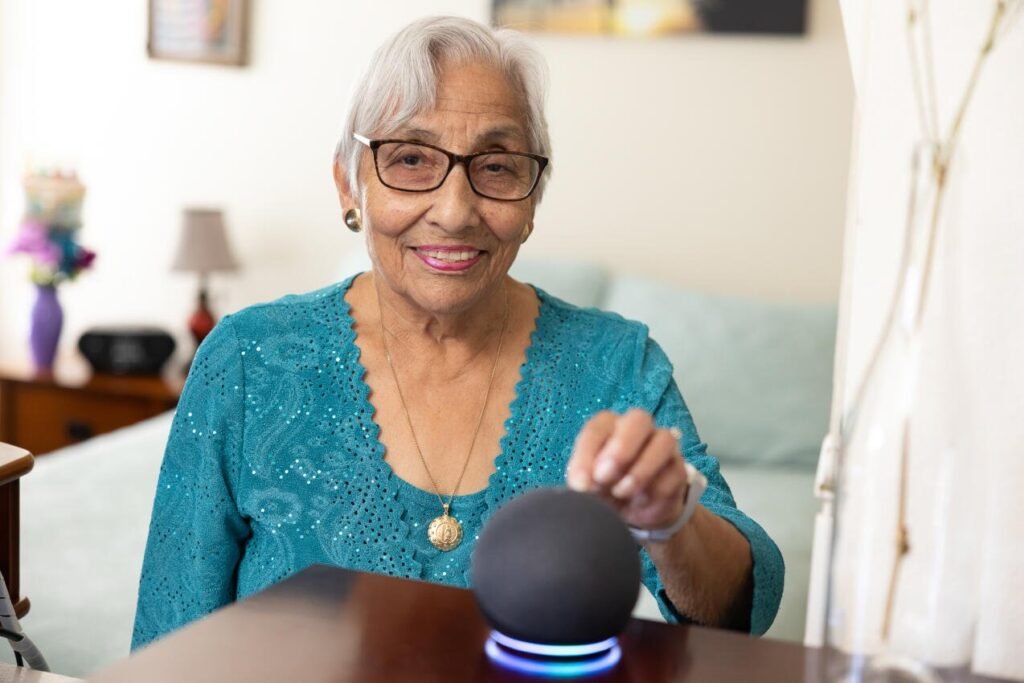
For many older adults, voice assistants are not a gadget — they are independence. Medication reminders, hands-free calling, emergency help, and companionship, all without needing to see a small screen or type on tiny keys. If you are asking what are the best AI voice assistants for elderly people — whether for yourself, a parent, or a grandparent — here is what actually works for older users, not just what is newest.
The priorities are different here: simplicity beats features, reliability beats novelty, and patience in setup matters more than anything.
What Are the Best AI Voice Assistants for Elderly People? The Top Choices
1. Amazon Alexa (Echo Devices) — Best Overall for Seniors
Alexa remains the top recommendation for elderly users for practical reasons: the most senior-friendly setup process, the largest ecosystem of compatible devices, excellent medication reminder skills, and the Echo Show’s video calling makes face-to-face contact effortless. “Alexa, call my daughter” is genuinely life-changing for someone who struggles with smartphones. The routine features can automate morning check-ins and evening reminders.
2. Google Nest — Best for Google Users
If the senior already uses Gmail and Google Calendar, Nest devices integrate seamlessly — calendar reminders, Duo video calls, and straightforward voice commands. Google’s natural language understanding is excellent for conversational, imperfect phrasing. Best when the family is already in Google’s ecosystem.
3. Apple Siri (HomePod) — Best for iPhone Users
For seniors already comfortable with iPhone, Siri on HomePod extends what they know. Strong privacy posture (more on-device processing), good accessibility features, and seamless handoff with iPhone and Apple Watch — including fall detection integration. The ecosystem lock-in is real, but for Apple households it is the natural choice.
What Actually Matters for Elderly Users
- Simple, forgiving voice recognition: must understand slower speech, pauses, and rephrasing without frustration
- Loud, clear audio: hearing loss is common — speaker quality and volume matter enormously
- Video calling: Echo Show and Nest Hub screens make video calls one voice command away — the killer feature for reducing isolation
- Medication reminders: persistent, spoken reminders with confirmation — more effective than phone alarms for many seniors
- Emergency features: Alexa’s emergency contact calling, fall detection via Apple Watch, and check-in routines that alert family if there is no morning activity
- Minimal maintenance: once set up, it should just work — no frequent updates, logins, or troubleshooting
Setting It Up Right (This Is the Hard Part)
The technology is easy; the setup is where families struggle. Tips:
- Set it up yourself before giving it to them — accounts, WiFi, contacts, and routines pre-configured
- Write a one-page cheat sheet with the 5-10 commands they will actually use, in large print
- Start with ONE use case — usually calling family or medication reminders — and add features gradually
- Be patient with the learning curve — practice the wake word and basic commands together, several times
- Set up drop-in / check-in features so family can reach them easily, with their clear consent
- Revisit monthly at first — small frustrations compound into abandonment if unaddressed
Safety and Privacy Considerations
- Scam awareness: teach seniors that the assistant will never ask for bank details or Social Security numbers — voice-based scams are rising; see my guide on stopping AI spam calls
- Privacy settings: review and delete voice recordings periodically; consider muting during sensitive conversations
- Emergency limitations: voice assistants are supplements to, not replacements for, medical alert systems — be clear about this
- Consent for monitoring: check-in routines and drop-in features are powerful but must be set up transparently with the senior’s full understanding
My broader guide on AI assistant privacy risks covers these topics in more depth.
The Companionship Factor
Do not underestimate this. For seniors living alone, a voice assistant that greets them in the morning, reads the news, plays their music, and answers their questions provides genuine comfort. It is not a replacement for human contact — nothing is — but combined with easy video calling to family, it meaningfully reduces the isolation that affects so many older adults. The research on loneliness and health makes this more than a nice-to-have.
Smart Home Safety for Seniors: Beyond Voice Assistants
A voice assistant is the hub; these additions build a genuinely safer home for older adults:
- Smart lighting: motion-activated lights for hallways and bathrooms prevent the nighttime falls that send so many seniors to the ER. Voice-controlled lighting eliminates fumbling for switches. Start here — highest safety impact per dollar.
- Video doorbells: see who is at the door without getting up — meaningful for mobility-limited seniors and a deterrent to scammers who target the elderly in person.
- Smart locks: keyless entry eliminates lockouts; remote access lets family or caregivers enter in emergencies. Choose models with physical key backup.
- Stove monitors and auto shut-off: devices that alert (or automatically shut off) stoves left on — addressing one of the most common senior home hazards.
- Fall detection: Apple Watch fall detection or dedicated medical alert systems with automatic emergency calling. Voice assistants supplement but do not replace these — be explicit about the distinction.
- Medication dispensers: automated dispensers with alarms and locked compartments for complex medication regimens — beyond what reminders alone can manage.
- Water leak and smoke/CO detectors: smart detectors that alert both the senior and family members remotely.
Introduce technology gradually — one device at a time, fully learned before adding the next. The goal is a home that quietly watches over its occupant, with the voice assistant as the friendly interface to it all. And involve the senior in every decision: safety technology imposed without buy-in gets unplugged; technology chosen together gets used.
Key Takeaways
For most elderly users, an Amazon Echo Show hits the sweet spot: simple voice control, video calling, medication reminders, and emergency features. The goal is independence, safety, and connection — not tech adoption.
- Set it up yourself first — accounts, WiFi, contacts, routines — then provide a large-print cheat sheet with the 5-10 commands they will actually use.
- Start with one use case (calling family or medication reminders) and add features gradually; revisit monthly at first.
- Establish a family code word against AI voice-cloning scams, and teach that no legitimate caller asks for bank details.
- Extend safety beyond the assistant: smart lighting, video doorbells, stove monitors, and fall detection build a genuinely safer home.
Further reading: the National Institute on Aging for authoritative guidance on aging, safety, and technology.
The Bottom Line
For most elderly users, an Amazon Echo Show hits the sweet spot: simple voice control, video calling, medication reminders, and emergency features. Set it up for them, start with one use case, provide a large-print cheat sheet, and be patient. The goal is not tech adoption — it is independence, safety, and connection. Chosen and configured well, a voice assistant delivers all three.