Windows 10 to Windows 11 Upgrade Cost: What You’ll Actually Pay
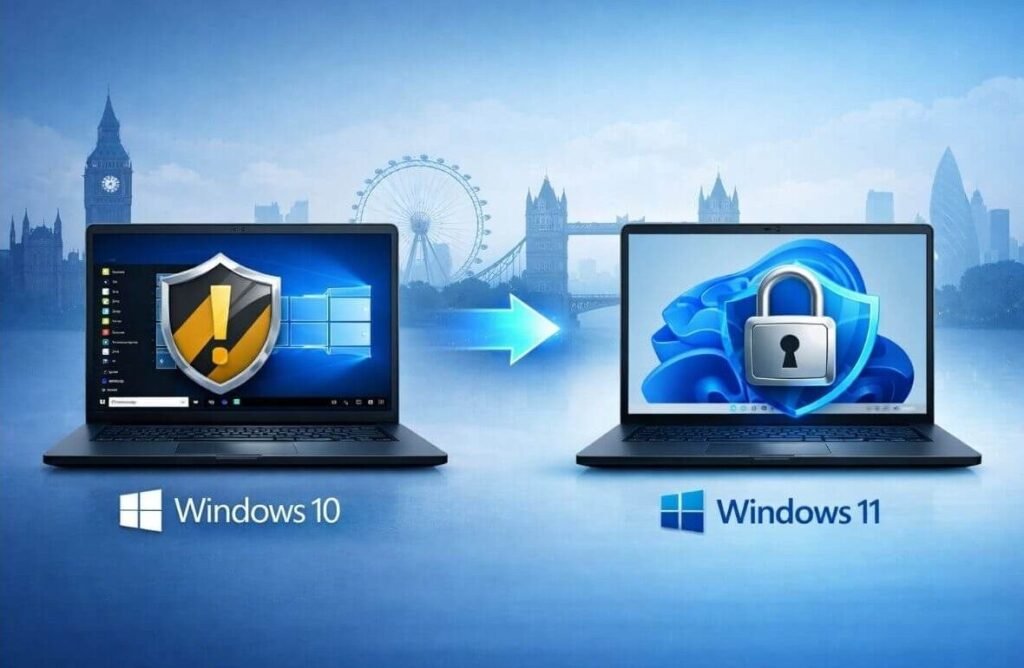
Windows 10 support has ended, which means no more security updates — and that’s not a situation you want to sit in. If you’re asking how much it costs to upgrade from Windows 10 to Windows 11, here’s the short version: it’s probably free, but your hardware gets a vote.
Let me walk through the free path, the paid path, and what to do when Microsoft says your PC doesn’t qualify.
The short answer: the upgrade is free if your PC meets Windows 11’s hardware requirements (TPM 2.0, Secure Boot, 4GB RAM, 64GB storage, compatible CPU). If it doesn’t qualify, a new Windows 11 license costs $139 (Home) or $199 (Pro) — but you’d still need compatible hardware, so an older PC may need replacing instead.
The Free Upgrade: Are You Eligible?
Microsoft’s free upgrade offer still works: if your Windows 10 PC meets the requirements and has a genuine activated license, you can upgrade through Windows Update at no cost. Download Microsoft’s free PC Health Check app to verify — it tells you exactly which requirement you pass or fail. The big gatekeepers are TPM 2.0 (a security chip, present on most PCs from 2017+) and the CPU compatibility list.
If you pass, the upgrade path is: Settings > Update & Security > Windows Update, and the Windows 11 upgrade should be offered. It keeps your files and apps in place (back up first anyway — always), takes 30–60 minutes, and your Windows 10 license carries over automatically. No product key needed, no payment, no catch.
How Much Does It Cost to Upgrade From Windows 10 to Windows 11 If You’re Not Eligible?
If your hardware fails the check, a license alone won’t help — Windows 11 genuinely won’t install properly on unsupported CPUs, and workarounds leave you without updates, defeating the purpose. Your real options: buy a new PC ($400+ for a decent budget machine), or if the PC is otherwise fine but just missing TPM, check your BIOS — TPM is sometimes present but disabled, and flipping it on takes two minutes.
For reference, retail Windows 11 licenses run $139 for Home and $199 for Pro — you’d only buy these for a custom-built PC or a compatible machine with no OS. Don’t pay for a license hoping to force it onto an incompatible old PC; put that money toward hardware instead.
- Free: eligible PC with genuine Windows 10 via Windows Update
- $139: Windows 11 Home retail license (compatible hardware only)
- $199: Windows 11 Pro retail license
- Check BIOS for disabled TPM before assuming incompatibility
- Incompatible old PC: budget for new hardware, not a license
What If Your PC Can’t Run Windows 11?
Millions of perfectly good PCs don’t qualify — and Microsoft ended Windows 10 security updates, which leaves three real options. Option one: buy a new or refurbished PC; a $400–$500 modern budget machine will outperform your old one anyway. Option two: switch to Linux (Ubuntu or Linux Mint are free, run great on old hardware, and get security updates for years) — a genuine option if your needs are browsing, email, and documents.
Option three, the stopgap: Microsoft offers Extended Security Updates for Windows 10 for a fee (around $30 for consumers for one year), buying you time. It’s a bridge, not a plan. Whatever you choose, don’t just keep running unpatched Windows 10 indefinitely — an unpatched OS connected to the internet is how machines become part of botnets, and no antivirus fully compensates.
Before You Upgrade: The Checklist
Back up your files — the upgrade preserves them, but ‘should’ isn’t ‘will,’ and an hour of backup beats a week of regret. Check that your critical software is Windows 11 compatible (most is, but ancient niche programs can break). Make sure you have 20GB+ free space for the installer to work with.
After upgrading, give it a week before judging — Windows 11 re-indexes and updates in the background initially. If you hate it, you have 10 days to roll back to Windows 10 via Settings > System > Recovery. And if your old machine was slow before the upgrade, consider the classic fix that helps speed up an old slow computer: an SSD upgrade does more for perceived speed than any OS version ever will.
How Much Does It Cost to Upgrade From Windows 10 to Windows 11 in a Business?
Businesses face a multiplied version of this question. The free upgrade applies per eligible machine, so a ten-PC office with compatible hardware upgrades for $0 in licensing — just the labor time (30–60 minutes per machine, largely unattended). For incompatible machines, the math gets real: replacing ten PCs at $500 each is $5,000, which is why many small businesses are doing phased rollouts.
Volume licensing changes the picture for larger shops: Microsoft 365 Business Premium includes Windows 11 upgrade rights and device management, often making more sense than individual licenses. And don’t forget the hidden costs — line-of-business software compatibility testing, staff retraining on the new interface (minor but real), and potential peripheral driver issues with ancient printers.
If you’re running Windows 10 Pro on incompatible hardware, the Extended Security Updates program buys time while you budget replacements — but treat it as a bridge with an end date, not a strategy. Plan the hardware refresh over 12–18 months, prioritize machines handling sensitive data, and use the transition to standardize on one hardware generation. Future you, managing updates across a uniform fleet, will be grateful.
Related reading: how to speed up your old slow computer without buying a new one · what is the best cheap laptop for college students in 2026
The Bottom Line
The upgrade is free for eligible PCs — run PC Health Check to confirm, then upgrade via Windows Update. Check your BIOS for a disabled TPM before giving up. If the hardware truly doesn’t qualify, budget for a new PC or consider Linux rather than running Windows 10 unpatched. Back up first, whatever you do.
Sources: Microsoft: Windows 11 system requirements · Microsoft PC Health Check app